Showing posts with label gnome. Show all posts

Friday, July 23, 2010

Hardware Monitoring With the Gnome Sensors Applet

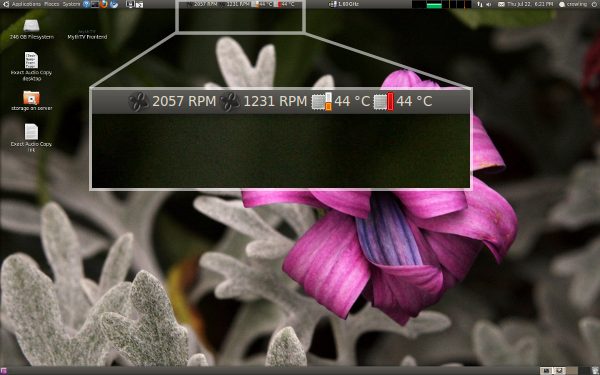
The Gnome sensors applet allows you to monitor hardware sensors (fan speeds, temperatures, voltages) in the gnome panel as shown below, but it is not installed by default in Ubuntu.

Install it with the following command:

$ sudo apt-get install sensors-applet

Now that it is installed, add it to the gnome panel by:
Right clicking on the Gnome panel (an empty area) > Add to Panel... > then add the Hardware Sensors Monitor applet.

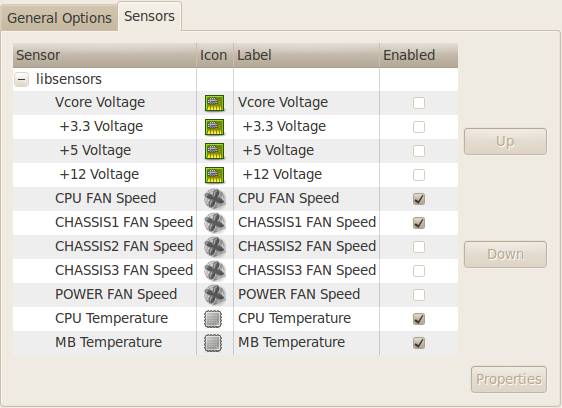
After it is added to the panel you can open up the preferences dialog (right click the sensors on the gnome panel > preferences) and choose which sensors are displayed.  The screenshot below shows the sensors that were detected by default on my system.  For each sensor, you can dive into its properties and optionally set alarms for high and low threshold values if desired.
Thursday, July 22, 2010

Hiding Those Pesky Gnome Panels

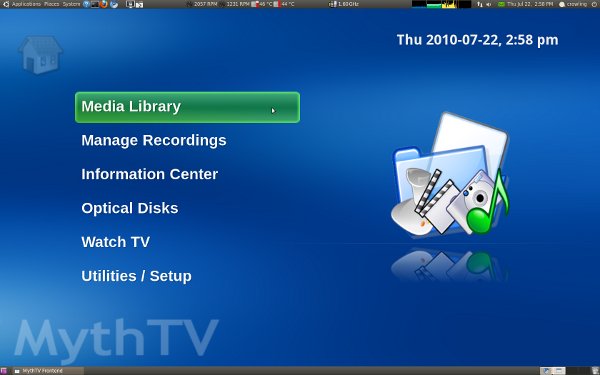
I periodically run into the problem where applications in Gnome don't go into fullscreen mode properly. The top and bottom Gnome panels remain displayed on top of everything else as in the screenshot below. This post shows how to work around this problem by modifying some compiz settings.

This seems to be a common problem with MythTV, OpenOffice Impress, and other applications that have fullscreen modes.  The fix is simple.  Install the compizconfig-settings-manager package onto your system.  On Ubuntu, the command to install it is:

$ sudo apt-get install compizconfig-settings-manager

After the installation finishes, you will have a new application, CompizConfig Settings Manager, listed under: Gnome System menu > Preferences.

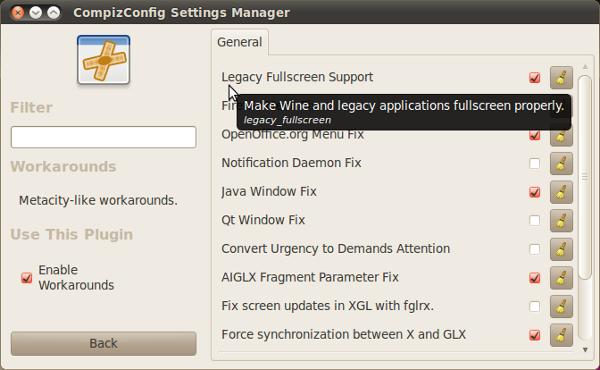
Open it and start typing 'workarounds' in the Filter search bar.  Select the Workarounds plugin and enable the Legacy Fullscreen Support option as shown in the screenshot below.

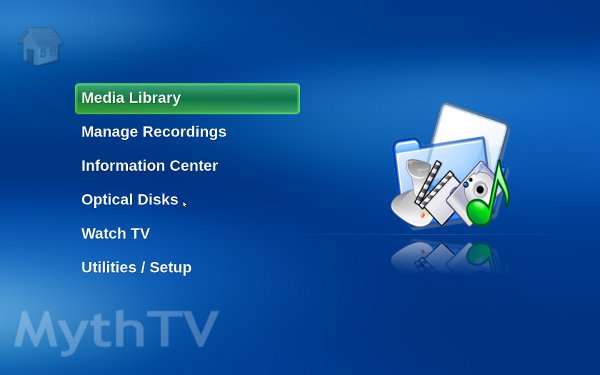
Now, the next time you open MythTV or another fullscreen application you won't get the Gnome panels showing on top of everything else.